

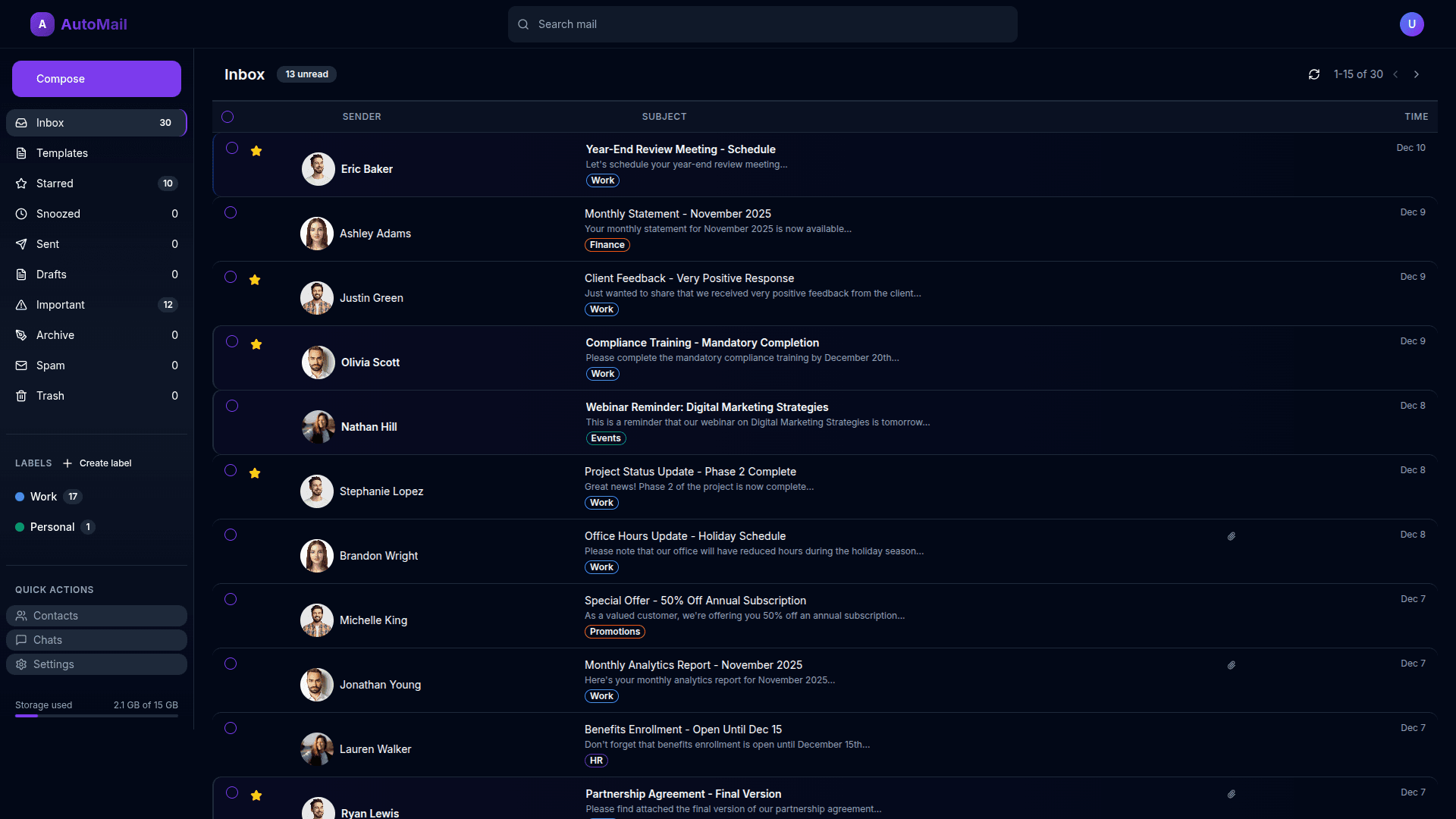
Use Cases
1
SEARCH EMAIL
Example Prompts:
"Search for emails where the query is Budget"
"Search for emails where the query is has"
2
VIEW EMAIL
Example Prompts:
"View the email where from_email."
"View the email where subject."
3
STAR AN EMAIL
Example Prompts:
"Star the email 'port Feed'."
"Star the email where is_starred equals False and subject Lunch Invite."
4
MARK EMAIL AS IMPORTANT
Example Prompts:
"Mark the email where and from_email other than '[email protected]' and subject other than 'Re: Q2 Report Feedback'."
"Mark the email where and subject Re: Q2 Report Feedback."
5
MARK AS UNREAD
Example Prompts:
"Mark as unread the email with a subject that"
"Mark as unread the email from a sender 'mail' and has a subject that other than Lunch This Week?"
6
DELETE EMAIL
Example Prompts:
"Delete the email where the subject other than 'Sprint Planning Session' and the sender's email."
"Delete the email with subject like 'ale'"
7
MARK AS SPAM
Example Prompts:
"Mark as spam the email with subject like 'Free' and from_email like '.com' which is_spam equals True."
"Mark as spam the email with subject that other than Team Outing Plan and from email that which is spam"
8
ADD LABEL
Example Prompts:
"Add the label 'Finance' to the email 'oice' and the body like 'Please review and approve the attached invoice.'"
"Add a label to the email 's'"
9
CREATE LABEL
Example Prompts:
"Create a new label with the name that other than Legal."
"Create a new label with the name 'Important' that."
10
SEND EMAIL
Example Prompts:
"Send an email to '[email protected]', ensuring the recipient, with the subject Project Timeline Review and body Dear Me,
Please review the updated project timeline attached.
Best,
Asher."
"Send an email to '[email protected]' with a subject I and a body Please review and approve the attached invoice."
11
EMAIL SAVE AS DRAFT
Example Prompts:
"Save the email as a draft addressed to '[email protected]' with the subject Sprint Review Invite and the body Hi Me,
Join us for the sprint review on Wednesday at 2 PM.
Best,
Owen."
"Save the email as a draft addressed to '[email protected]' with the subject Feedback Survey."
12
THEME CHANGED
Example Prompts:
"Change the application theme to 'light' where the theme light."
"Change the application theme to 'dark' where the theme other than system."
13
EDIT DRAFT EMAIL
Example Prompts:
"Edit the draft email to [email protected] and change the subject"
"Edit draft email and change subject"
14
ARCHIVE EMAIL
Example Prompts:
"Archive the email from [email protected]"
"Archive the email about Project Kickoff Meeting"
15
REPLY EMAIL
16
FORWARD EMAIL
Example Prompts:
"Forward this email to a new recipient"
"Forward email to colleague"
17
CLEAR SELECTION
Example Prompts:
"Clear all selected emails."
"Clear the current selection."
18
EMAILS NEXT PAGE
Example Prompts:
"Go to the next page of emails."
"Go to next page of emails"
19
EMAILS PREV PAGE
Example Prompts:
"Go back to the previous page of emails."
"Go to previous page of emails"
20
VIEW TEMPLATES
Example Prompts:
"Open the email templates section."
"Open the email templates page."
21
TEMPLATE SELECTED
Example Prompts:
"Select the Gentle Reminder email template"
"Select the Meeting Recap email template"
22
TEMPLATE BODY EDITED
Example Prompts:
"Edit the body of the Warm Introduction template"
"Update the body text of the template"
23
TEMPLATE SENT
Example Prompts:
"Send an email using the Friendly Follow Up template"
"Send an email using Warm Introduction template"
24
TEMPLATE SAVED DRAFT
Example Prompts:
"Save the Warm Introduction template as draft"
"Save the Meeting Recap template as draft"
25
TEMPLATE CANCELED
Example Prompts:
"Cancel changes on the Thank You template"
"Cancel changes on the Meeting Recap template"
26
EMAILS SEARCH
Example Prompts:
"Search for emails about Budget"
"Search for emails containing project"